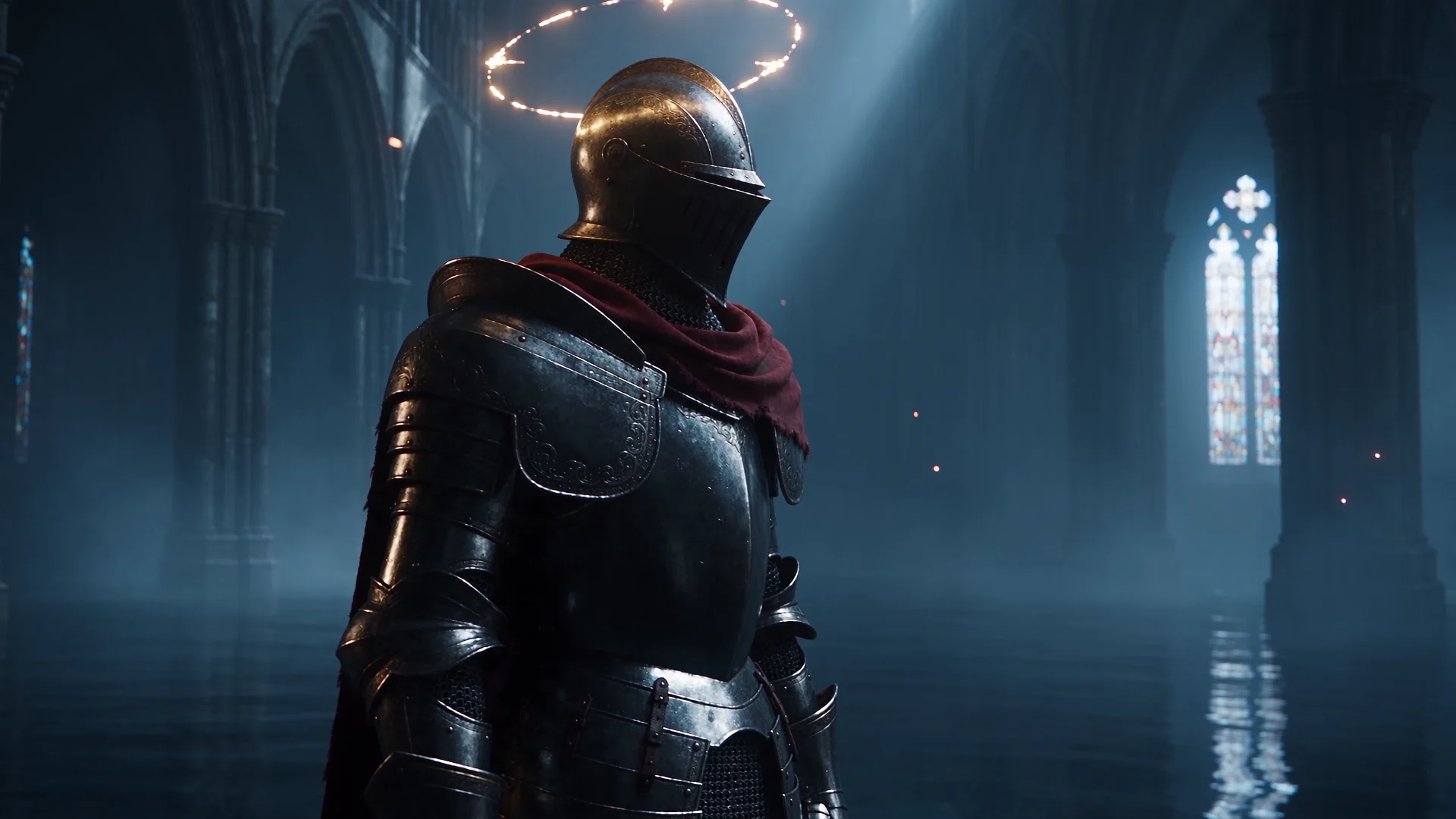
Your characters.
In motion.
Turn your ideas and artwork into images, cinematic clips and game trailers.
Explore the studio free · Generations require creditsTurn your ideas and artwork into images, cinematic clips and game trailers.
Explore the studio free · Generations require creditsThe angle. The atmosphere. The moment it all comes together.
Direct something extraordinaryGenerate artwork and video from a prompt and your own references.
Explore Quick Create02Bring characters, locations, and shot directions together on a visual canvas.
Explore the canvas03Arrange clips, layer text, mix sound, and export your finished trailer.
See the workflowPick a feeling.
Take it somewhere new.
Make the ordinary feel extraordinary.
One place to connect your ideas,
find your shots and tell your story.
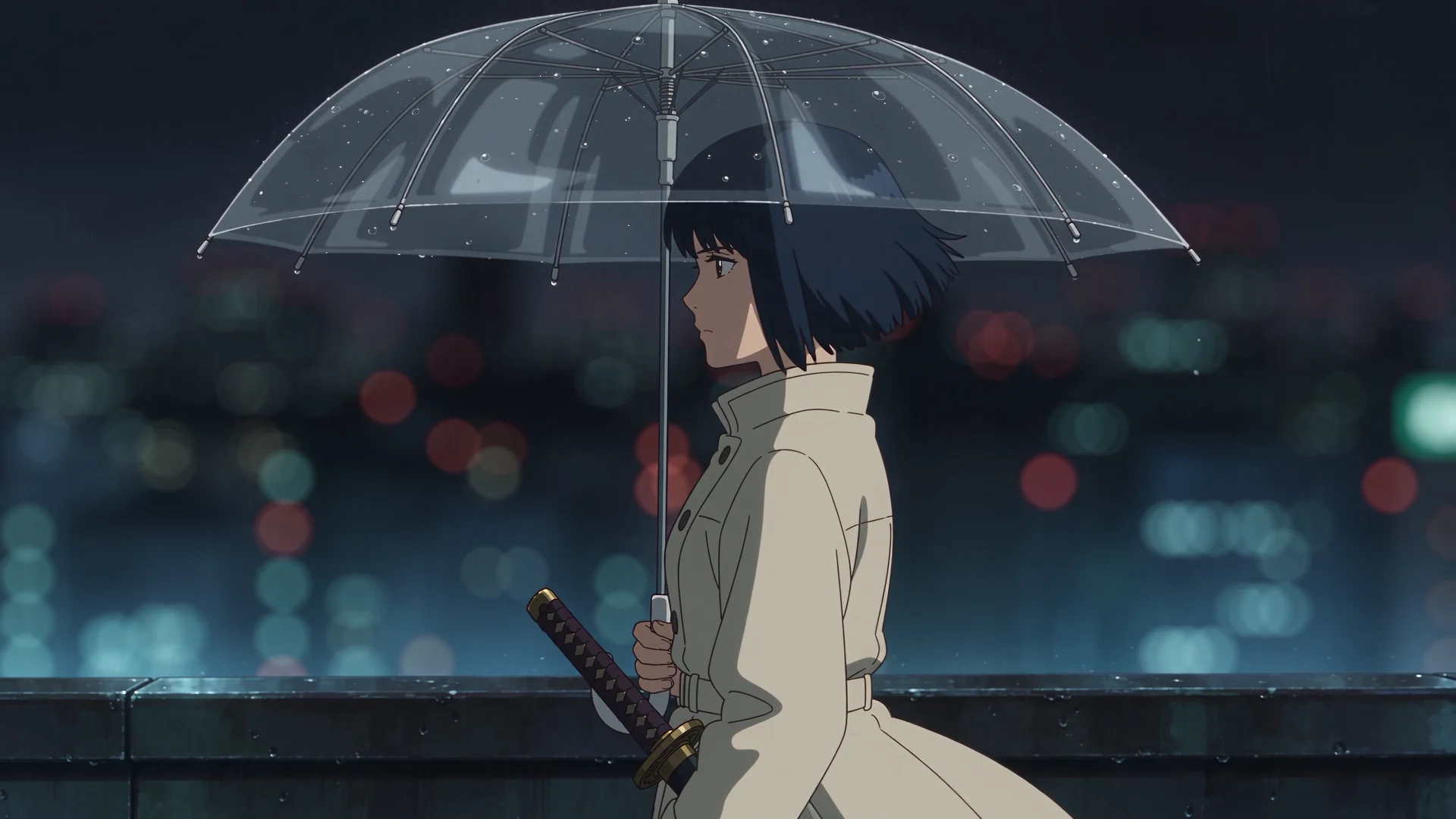

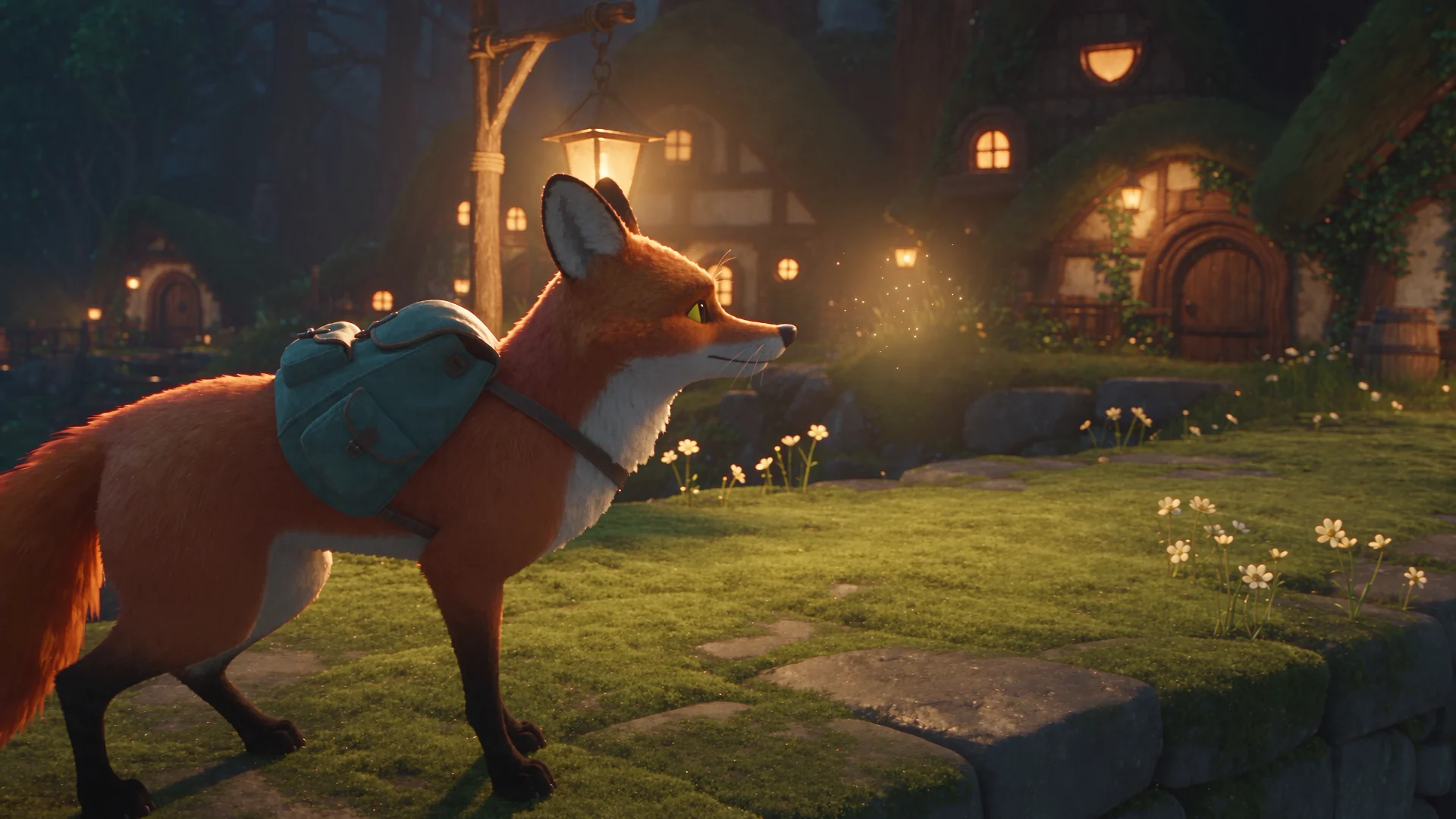
Stay with the idea.
The studio keeps everything else together.
Bring your characters and references into every new direction.
Keep every take. Find the one that feels right.
See the estimated credits before you generate.
From grounded cinema to playful fantasy.
Choose the feeling. Direct the details.
A leap into the unknown.
And everything that comes after.
From your first frame to your next campaign. Choose the space to make it happen.
Explore your monthly possibilities. Image and video counts are alternatives, using the same credits.
Build your first campaigns.
See current generation estimates in Quick Create.
One shared creative budgetIterate on a regular release schedule.
See current generation estimates in Quick Create.
One shared creative budgetProduce more campaigns and variations.
See current generation estimates in Quick Create.
One shared creative budgetOne shared studio. A bigger creative team.
See current generation estimates in Quick Create.
One shared creative budgetCredits carry forward. Every plan includes the same creative tools. Prices in USD; applicable taxes calculated at checkout.
Examples will appear when the generation catalogue is available. Quick Create shows a current estimate before you generate.
Planning a larger rollout? Let’s talk volume, onboarding and your organization’s requirements.
You can start with a description and your game artwork. The visual canvas helps you build shots, and the timeline lets you assemble your favorite clips into a trailer.
Yes. Upload your artwork, character references and gameplay clips. Connect references to a generation or use uploaded footage directly in your edit.
Yes. Choose a visual style for each shot, from realistic and stylized 3D to cartoon, anime or painterly. Your prompt and references guide the result.
Each generation shows an estimated credit cost before you confirm. You can review its direction and references first. Available credits and current plan information are shown inside your studio.